

Blog
The Importance of Testing Screens Before Installation

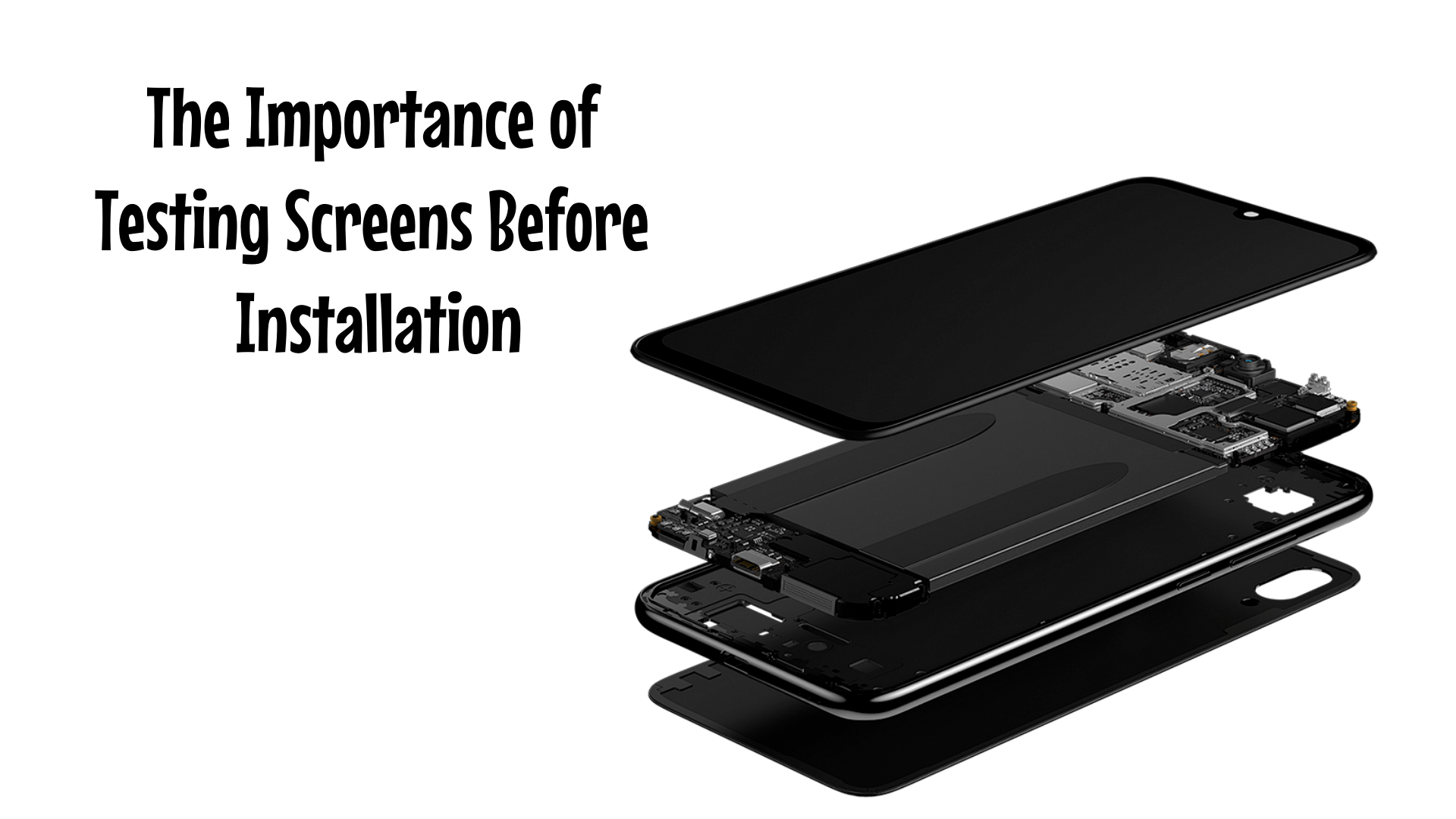
In the fast-paced world of mobile phone repair, every minute matters. However, there is one step that should never be skipped, regardless of your team’s experience: testing the screen before installation.
Whether replacing an LCD, OLED, or full display assembly, taking time to test the screen before final assembly can save time and costs while preventing customer dissatisfaction.
—
What is “Pre-installation Testing”?
Pre-installation testing means connecting the replacement screen to the phone’s motherboard before it is installed and sealed into the device. This allows you to verify:
· Brightness and color accuracy
· Touch sensitivity and responsiveness
· Presence of dead pixels or flickering
· Proper backlight functionality
· Compatibility with the specific device model
—
Why This Step Is Essential
1. Early Detection of Factory Defects
Even when sourcing from trusted suppliers like SunGoode, manufacturing flaws can occasionally occur—an inherent aspect of electronics. Testing beforehand ensures you do not install a faulty screen, avoiding:
· Time wasted reopening the device
· Accidental damage during rework
· Unnecessary customer complaints or refund requests
2. Avoid Compatibility Issues
Not all screens are exactly alike. Some models have multiple display versions (e.g., with or without frames, different connector types). Testing confirms:
· The screen is fully compatible with the device
· No conflicts with the phone’s hardware or firmware
· Example: Some aftermarket iPhone displays require True Tone data transfer—if not verified during testing, this feature may be lost.
3. Protect Your Business Reputation
Nothing damages credibility more than returning a “repaired” phone to a customer only to hear:
“My screen isn’t working!”
“The touch response is delayed!”
“The display looks dim or has a green tint!”
Testing eliminates such scenarios, ensures first-time repair success, builds trust, and encourages repeat business.
4. Reduce Return Costs and Downtime
Testing before installation means detecting a defective screen before applying adhesive, heat, or screws. This leads to:
· Easier returns or exchanges with your supplier
· No physical damage to the screen = warranty remains valid
· Faster turnaround for your customer
At SunGoode, returns are processed more efficiently when the screen is reported as tested before installation and remains unused.
—
How to Test a Screen Correctly
Follow this checklist at your repair station:
1. Connect the screen flex cable to the motherboard (do not apply adhesive first)
2. Power on the device
3. Swipe and tap to verify touch sensitivity
4. Open the camera and settings to check backlight uniformity and color balance
5. Display a solid white image to check for dead pixels
6. Only proceed with full installation once all checks pass
Bonus Tip: During testing, wear anti-static gloves and maintain a clean, dust-free workspace to prevent accidental damage or contamination.
—
A Note from SunGoode
When you order from us, we:
· Perform pre-shipment inspections on all display batches
· Pack screens securely with anti-static materials
· Offer volume discounts for high-volume repair shops
Nevertheless, we always recommend testing before installation—as even premium components can be affected during shipping or handling.
—
Conclusion
In 2025, with narrowing profit margins and rising customer expectations, pre-installation screen testing is no longer optional—it is essential.
Making this a standard step in your repair process enables you to:
· Save time and labor
· Reduce waste and returns
· Strengthen your business reputation
Test first, trust second—install with confidence and deliver with assurance.