


Blog
The Most Common Mistakes in Phone Repairs and How to Avoid Them

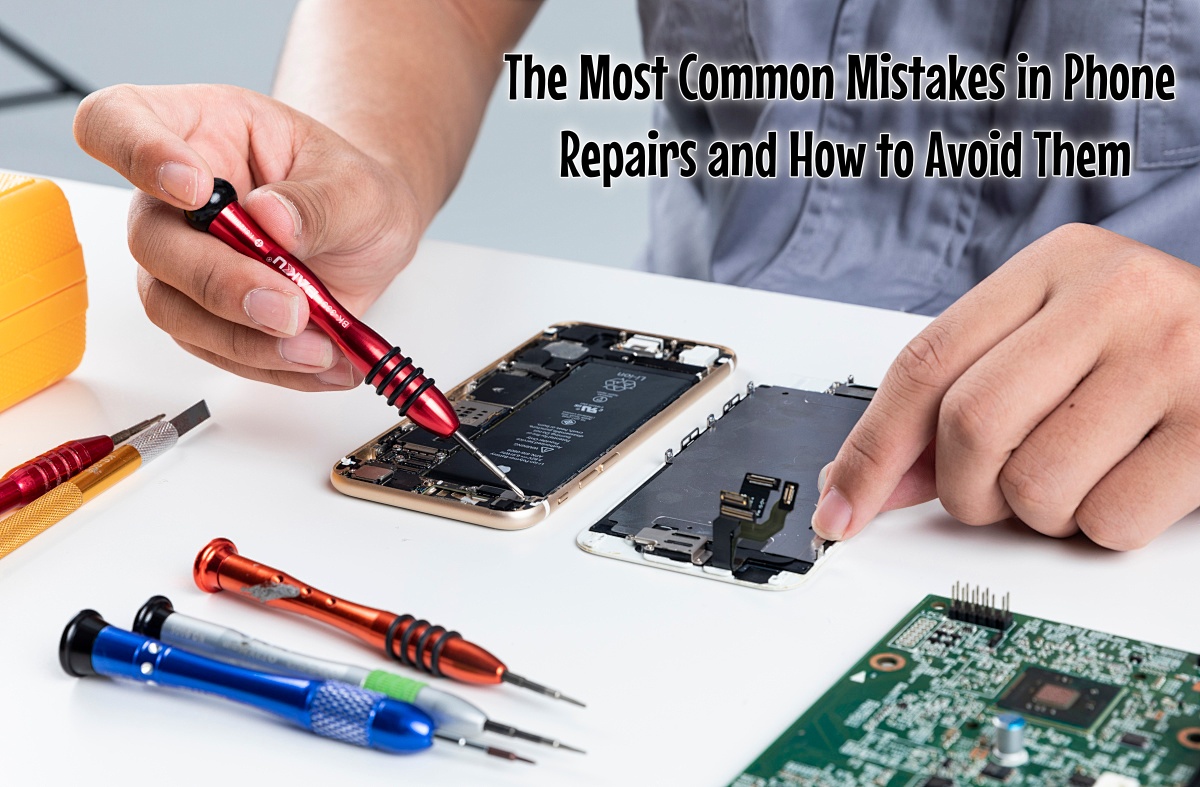
When repairing smartphones and tablets, any mistake can have serious consequences for both the customer and the technician. Identifying common problems helps prevent many unnecessary errors. This article outlines the most frequent pitfalls in the repair process and provides practical advice on how to address them, enabling your repair work to become more efficient, reliable, and satisfactory for customers.
Rushing the Diagnosis
A common error is technicians hastily disassembling devices without proper troubleshooting. Blindly opening a device wastes time, adds unnecessary steps, and can lead to customer dissatisfaction. The correct approach is to perform systematic diagnostics to identify the root cause before starting the repair.
According to an analysis by OpenRepair, only about 50% of approximately 1,900 smartphone repairs were completed successfully—a significant factor being starting too quickly without adequate fault assessment.
Neglecting ESD Protection and Battery Disconnection
Operating without electrostatic discharge (ESD) precautions or with the battery connected can easily damage sensitive components like the motherboard and chips, leading to malfunctions, short circuits, and costlier secondary repairs.
Cultivate these essential habits:
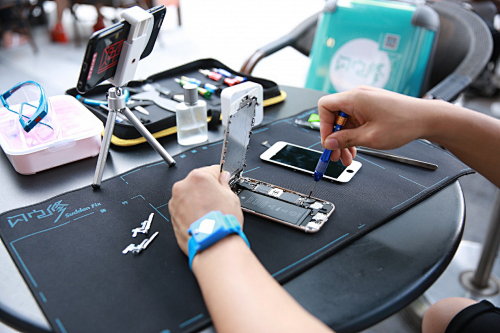
· Wear an anti-static wristband and work on a grounded surface.
· Disconnect the battery before starting any repair.
· Store sensitive components in anti-static trays.
· Carefully inspect all connectors and mounting points before reassembly.
These steps significantly protect internal components and enhance repair safety and success rates. According to Burklin, approximately 25% of electronic components returned for repair are damaged due to ESD.
Mixing Up Parts or Incorrect Installation
During complex repairs, issues like using wrong screws, misplacing cables, or installing components incorrectly often cause devices to malfunction or sustain further damage. Recommended methods to maintain an organized process:
· Use labeled containers or magnetic mats to sort different screws and parts.
· Take photos during disassembly for reference during reassembly.
· Before closing the device, verify all connectors and screws are correctly installed.
A Cluttered Workspace
A messy workbench often leads to lost parts, reduced efficiency, and potential scratches or damage to devices. Maintaining a tidy environment not only improves efficiency but also reflects professionalism:
· Tidy up tools and parts after each repair.
· Keep small parts organized in compartment boxes or trays.
· Clean the work surface daily and regularly check tool conditions.
Overlooking Software Issues and Misdiagnosing Faults
Many device issues stem from system or software problems. Replacing hardware without proper verification results in unnecessary costs and time waste. When encountering an issue, you should:
· First check the system version, update history, and installed applications.
· Discuss the symptoms and conditions in detail with the customer.
· Clearly explain potential causes and solutions to the customer.
This approach improves repair efficiency, controls costs, and builds customer trust.
Conclusion
Avoiding common mistakes in phone repair saves time and costs while greatly enhancing customer satisfaction and professional reputation. By adopting a structured workflow, thorough testing, strict ESD protection, and a comprehensive approach to both hardware and software issues, you can significantly reduce repair risks, minimize comebacks, and gradually build a reliable technical service image.
—
Want to learn more repair tips and industry trends? Follow our blog and SunGoode page for the latest updates.